On this page 8 sections
In short
Before you run ads, check that your admission landing page states the course, place and batch date on the first screen, loads fast on a phone, shows proof you can verify, has a form of four fields or fewer with a consent line, works with call and WhatsApp buttons, and tells people what happens after they enquire.
Run this checklist on your admission landing page before you spend on ads. It takes about 30 minutes with a phone and a laptop. Each point is a yes or no; fix every no before launch.
Key numbers
Google's target is for the main content of a page to load within 2.5 seconds and to respond to a tap within 200 milliseconds (web.dev Web Vitals).
84.21% of web page views in India came from mobile phones in October 2026, against 15.17% from desktops (StatCounter Global Stats).
Under the 2024 guidelines, a coaching centre needs a website listing tutors' qualifications, courses, fees and refund policy, with at least 1 square metre per student in class (Ministry of Education guidelines).

Message: points 1 to 5
The first screen names the course, the class and the place.
The batch start date is visible without scrolling far.
The headline matches the ad that sends people here.
There is one main action, such as "Book a free demo class".
Nothing on the page talks about unrelated courses.
Proof: points 6 to 9
Faculty are named, with subject and experience.
Photos are of your real centre and people.
Every result claim can be supported with documents.
Each featured student has written consent taken after the result, and the photo shows name, rank and course.
Points 8 and 9 come from the 2024 coaching advertisement rules, which treat false claims about selection rates and guaranteed selection as misleading and set conditions for using student photos.
Form: points 10 to 14
Four fields or fewer: student name, class, phone, course.
Parent details are asked when the student is under 18.
An unticked consent box with plain words sits near the button.
The privacy notice link works.
A test enquiry reaches the right person within a minute.
On consent, India's data protection rules call for standalone, clear and simple consent notices and verifiable consent before processing children's data.

Speed and mobile: points 15 to 17
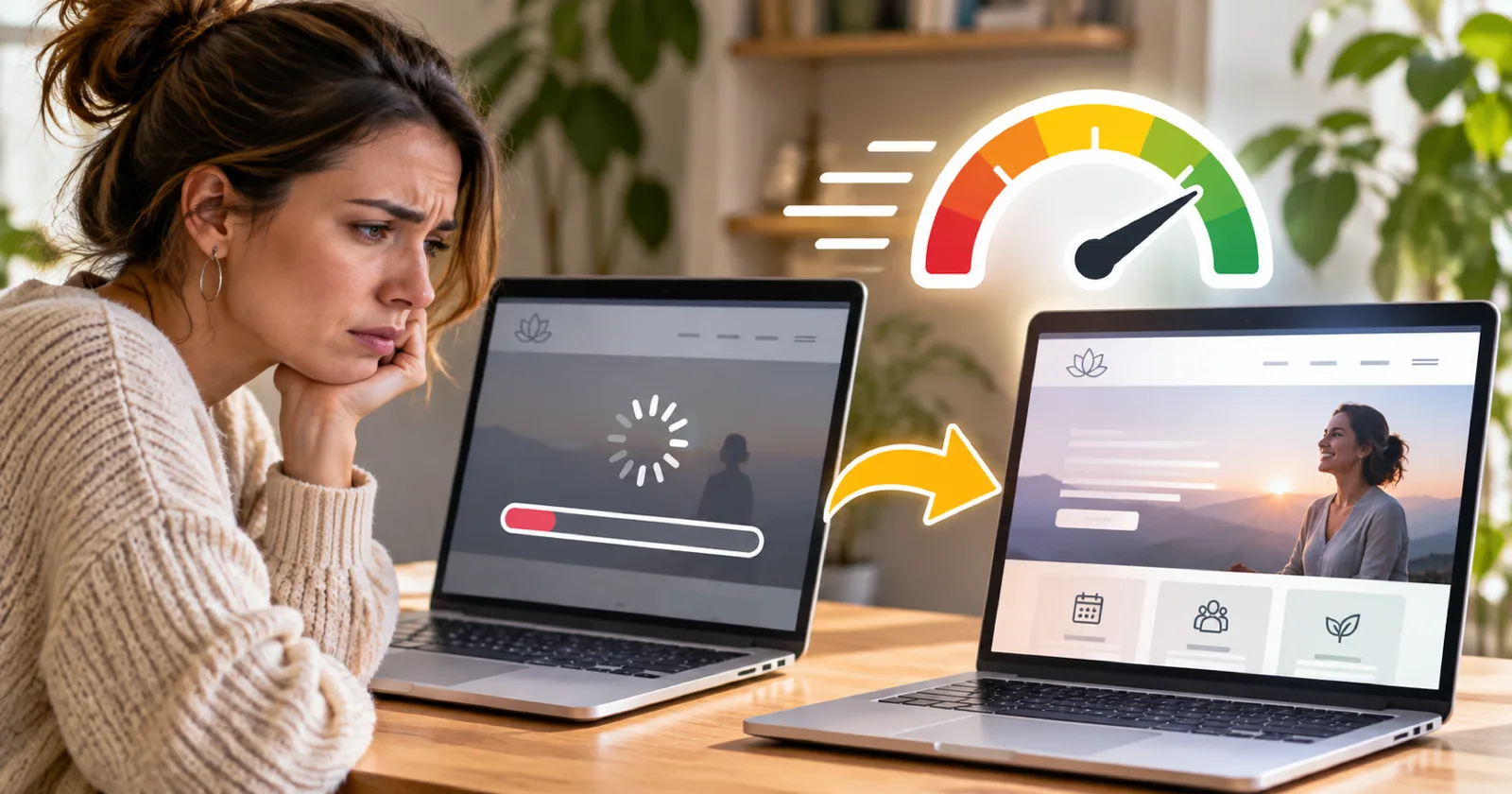
The page opens quickly on mobile data. Google's guidance is that the main content should load within 2.5 seconds, with taps answered within 200 milliseconds.
Buttons are large enough to tap with a thumb.
No pop up covers the form on a phone.
After the enquiry: points 18 to 20
The thank you message says when you will call and from which number.
The enquiry is counted as a conversion in your analytics and ads.
Call and WhatsApp buttons open the right number.
How to run the check
Open the page on your own phone using mobile data, not office Wi-Fi.
Ask someone who did not build the page to find the fee details and enquire.
Watch where they hesitate. That is where visitors leave.
Send a real test enquiry and time how long the call back takes.
After launch
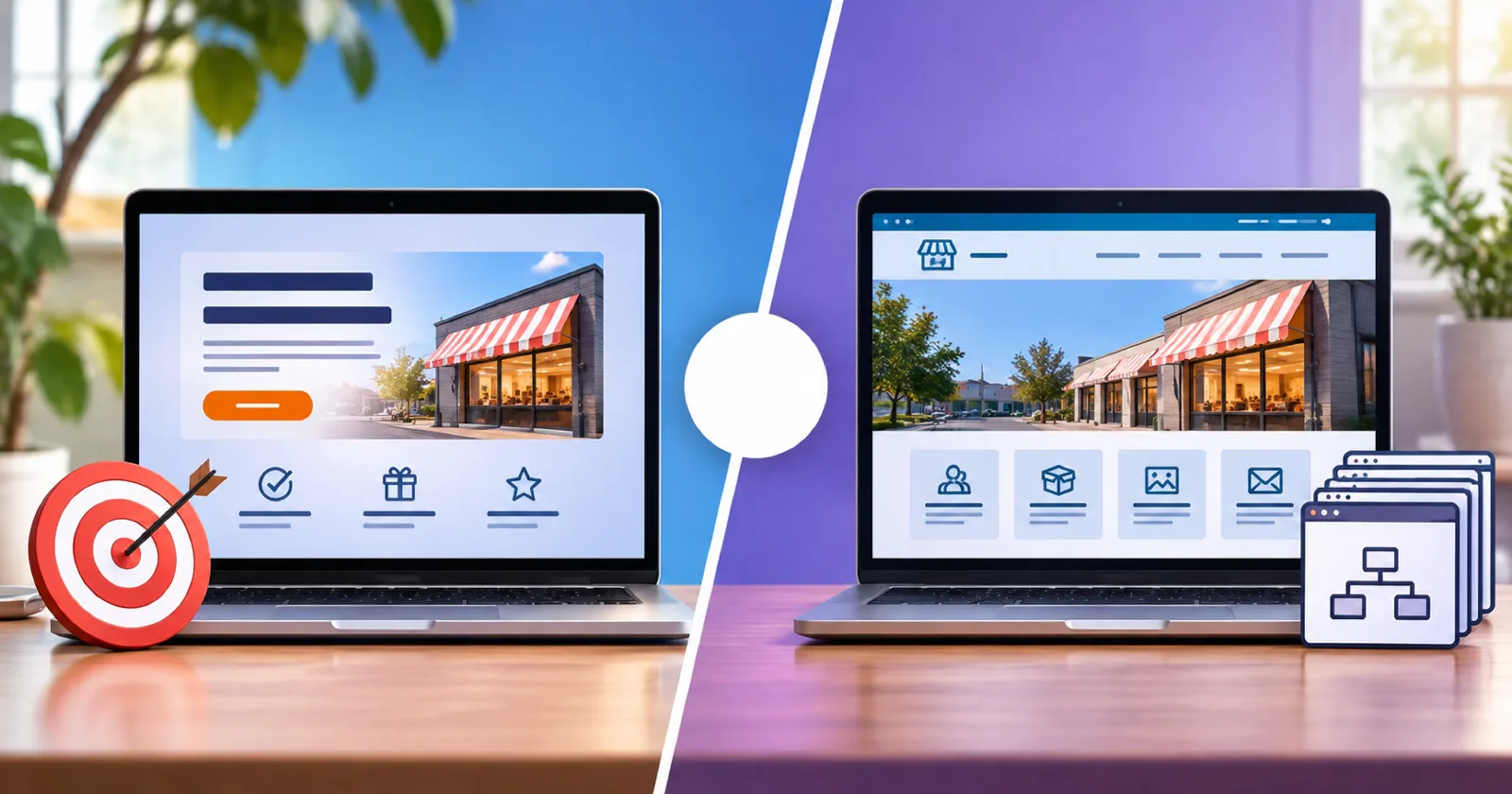
Repeat the check whenever you change the offer, the batch date or the form. Compare enquiries with admissions each week, as explained in how to track an admission enquiry from first contact to enrolment. If you are still deciding what kind of page you need, read landing page vs website for a small business, and plan the season with our admission campaign guide.
Want a page that passes all 20 points? Build and preview your page free with Landing Page Builder.