On this page 7 sections
In short
Google Search Console data delays occur when reporting pipelines lag behind real-time crawling. This lag does not mean your website is deindexed. To verify, check your Performance Report clicks, inspect Google Search Status Dashboard, and monitor GA4 organic traffic to confirm your pages remain indexed and visible in Google search results.
Every webmaster and SEO strategist has experienced a moment of sudden panic. You open your analytics dashboard, navigate to your reporting panel, and notice that the performance line has flattened or stopped updating entirely. The page indexing report has not refreshed for days, and yesterday's click data is nowhere to be found.
Your initial reaction might be to assume the worst. Has Google dropped your pages from the index? Did a sudden search algorithm update penalize your site?

Before you make drastic changes to your website structure or post urgent inquiries on social media, take a deep breath. In most instances, you are witnessing a routine reporting delay rather than an actual indexing disaster. Understanding the difference between data processing lags and site deindexing is crucial for maintaining a steady strategy. At Sprite Genix, our goal is to help business owners separate temporary reporting glitches from genuine technical search issues. You can explore our comprehensive digital marketing services to keep your online growth on track.
What Is a Google Search Console Data Delay?
Google Search Console is a complex reporting ecosystem that processes billions of data points every day across millions of websites. To deliver detailed performance metrics, Google must collect, aggregate, process, and verify data from crawling and serving infrastructure worldwide.
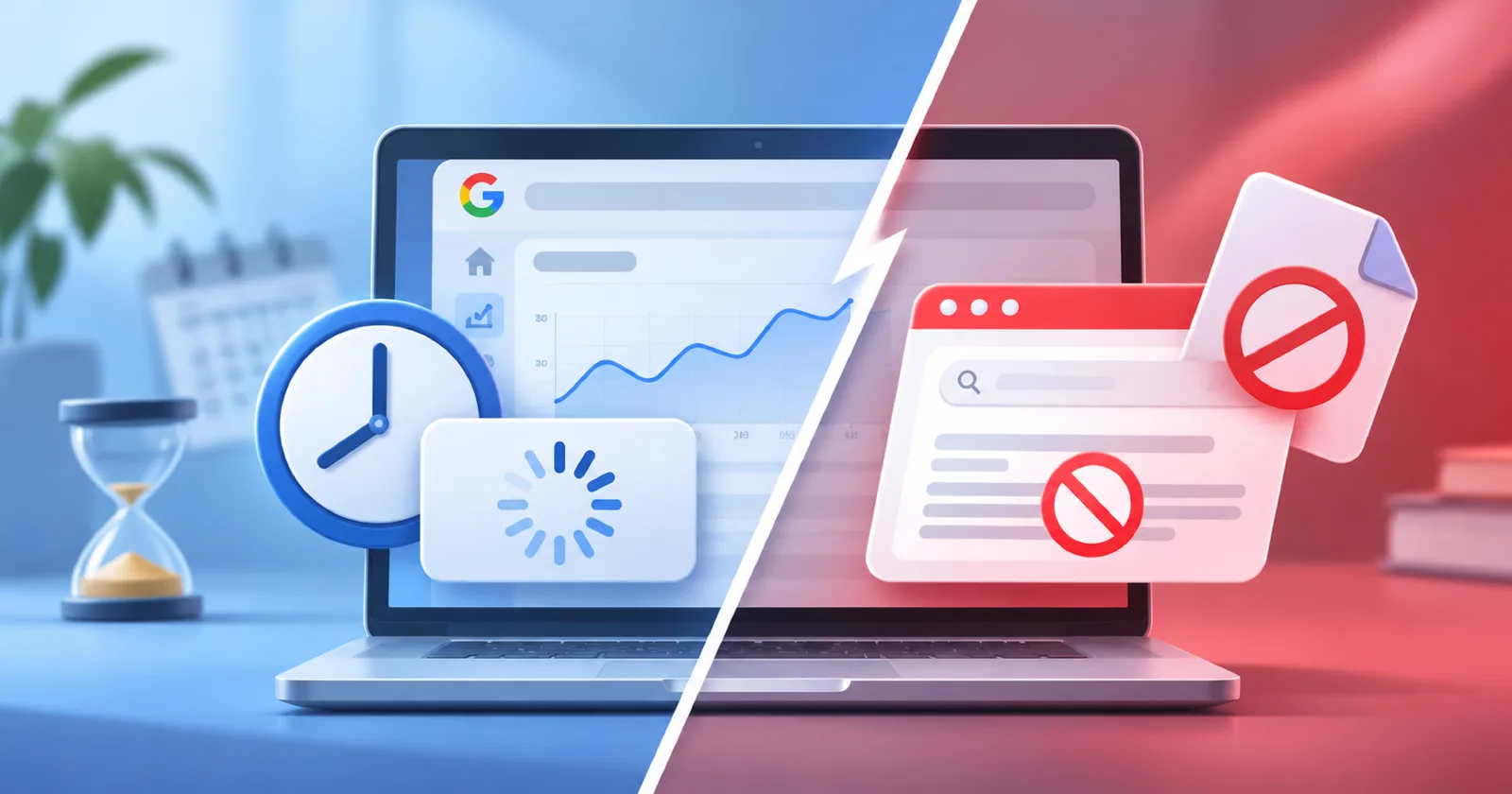
Because of this immense scale, data processing is rarely instantaneous. A data delay occurs when the reporting interface lags behind real time activity. During a reporting lag, your actual rankings, impressions, and user traffic continue as usual, but the display panel simply has not caught up yet.
Reporting delays can range from a few hours to several days. For example, performance reports occasionally fall behind by 48 to 64 hours, while page indexing summaries have historically paused updates for up to two weeks during system processing windows. These lags represent backend logging queues, not penalties on your content.
What Is Deindexing and How Does It Differ?
Deindexing is an entirely different event. Deindexing occurs when Google actively removes one or more web pages from its search index. When a page is deindexed, it ceases to appear in search results for any query, including direct brand searches or exact target keyword requests.
Common technical triggers for genuine deindexing include:
Unintentional deployment of
noindexmeta tags in your page header.Robots.txt rules blocking search engine crawlers from essential URLs.
Severe canonical misconfigurations pointing primary content to external locations.
Manual actions issued by Google for policy or quality violations.
Critical server failures that prevent web crawlers from reaching your domain over an extended period.
When a page is truly deindexed, search engines no longer store or serve it. When data is simply delayed, your pages remain fully indexed and continue serving search users without interruption.
Insights from Google Search Experts
The SEO community frequently discusses reporting pauses whenever Search Console graphs appear flat. Google search advocates, including John Mueller, have repeatedly addressed these concerns to help site owners navigate reporting uncertainty.
Key principles highlighted by Google search team members include:
Performance data reflects changes first: Indexing statuses do not shift overnight. If a major indexing shift occurs on your website, you will almost always see its impact in your performance report clicks and impressions long before the indexing summary tab refreshes.
Date stamps communicate freshness: Google includes a "Last Updated" timestamp on every Search Console report. If the timestamp displays a date from two days ago, it indicates that fresh data has not yet been processed into the report.
Core systems operate separately from reporting: Search Console is a reporting viewer, not the crawling or ranking engine itself. A pause in data visualization does not mean Google has stopped crawling or ranking your content.
Avoid overreacting to daily volatility: Online industry chatter often treats every minor metrics delay as a major algorithm shift. Saving your energy and focusing on long term trends prevents unnecessary adjustments to a healthy search strategy.
4 Practical Steps When Your Data Appears Stuck

When your Search Console metrics appear paused, follow this four step verification process before making technical changes to your site.
Step 1: Examine Performance Trends First
Rather than focusing solely on the page indexing tab, check your main Performance Report. Look at the general trajectory of total clicks and total impressions over a longer timeframe, such as the past 28 days or three months. If your click and impression trends were steady prior to the data cutoff date, your site visibility is likely completely intact.
Step 2: Verify the "Last Updated" Timestamp
Check the top right corner of your report panel to locate the timestamp. If the displayed date is behind current calendar time, Search Console is simply experiencing a standard data processing window. Once Google finishes processing the queued records, your graphs will backfill accurately without missing data.
Step 3: Check Official Status Dashboards
When widespread reporting pauses occur, Google documents system status on official public resources. Consult the Google Search Status Dashboard to review active infrastructure status for crawling, indexing, and serving systems. Additionally, check the Search Console Data Anomalies page to see if Google has logged a known processing lag for specific dates. You can also review standard guidelines in the Google Search Central Documentation.
Step 4: Cross Reference with Google Analytics 4
Your search console panel is not your only source of truth. Open Google Analytics 4 and review your organic search traffic metrics in real time or over recent days. If your organic sessions, user engagements, and goal conversions match your expected baseline, your audience is still finding your site. A healthy stream of organic sessions in your web analytics confirms that your Search Console issue is purely a reporting delay.
For businesses seeking clearer visibility into their overall digital presence, combining analytics tools with expert SEO services ensures that technical discrepancies are diagnosed quickly and accurately.
When Should You Actually Worry About Deindexing?
While most reporting pauses are harmless, real indexing issues do occur. You should investigate technical root causes under three specific circumstances:
Fresh data shows a sustained drop: If the report timestamp is current, but your impressions and clicks suffer a steep, unrecovered drop across multiple days.
Active incidents on the status dashboard: If Google confirms an active crawling or indexing incident that directly correlates with your domain performance.
Manual actions or security alerts: If you receive an explicit notification in your Search Console panel under the Manual Actions or Security Issues tabs.
If none of these three conditions are present, your site is in good standing, and your metrics will update as soon as backend processing catches up.
Partner with Sprite Genix for Technical Peace of Mind
Navigating the complexities of search engine reporting requires technical clarity and continuous monitoring. Distinguishing between temporary dashboard lags and real technical errors saves time, protects your traffic, and keeps your marketing team focused on strategic growth.
At Sprite Genix, our team of SEO specialists provides data driven insights, technical site audits, and complete search campaign management. Whether you need assistance resolving technical site errors or expanding your organic reach, we are here to support your success. Ready to elevate your search performance? Feel free to contact Sprite Genix today for a customized consultation.