On this page 8 sections
In short
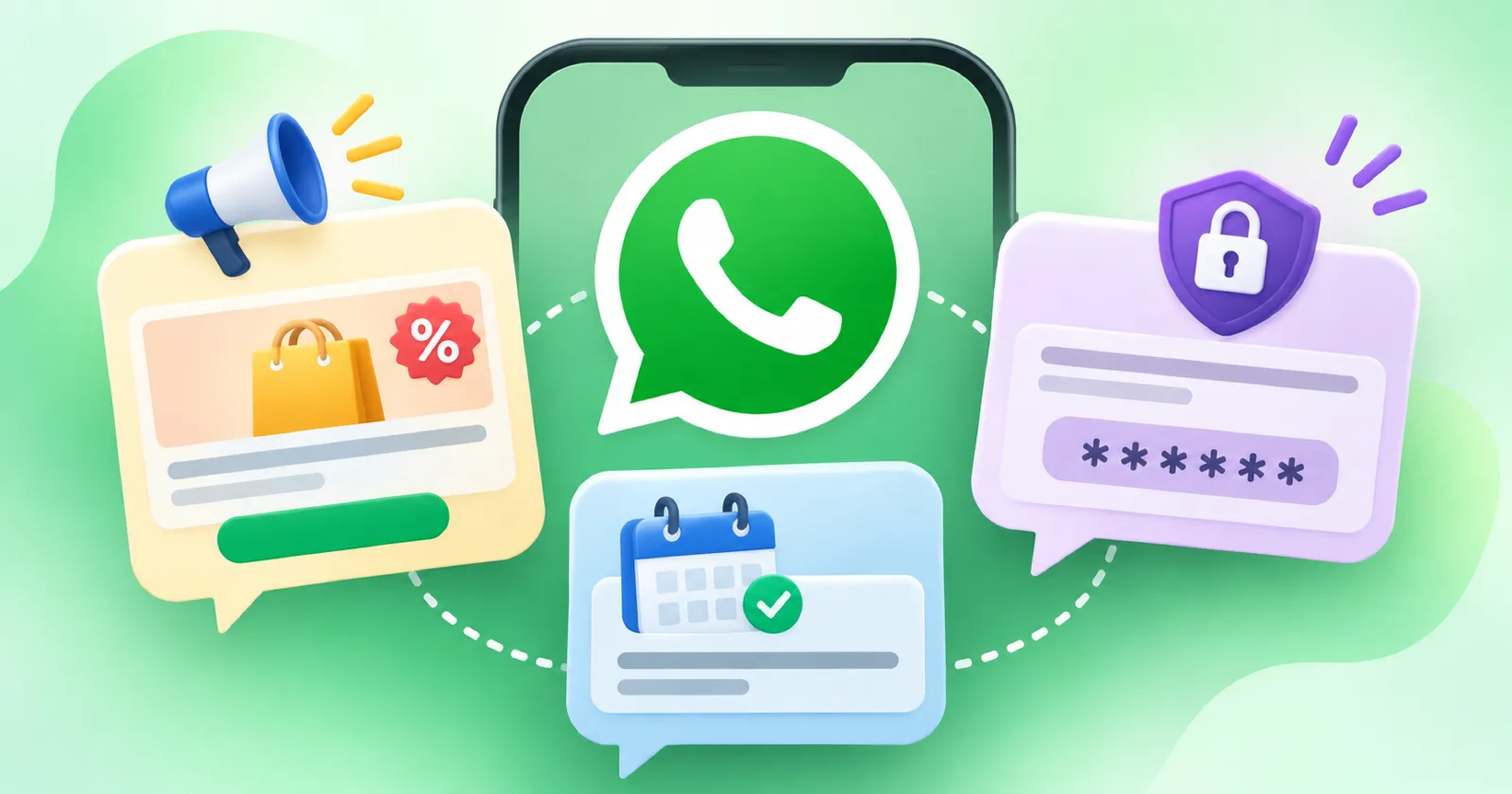
WhatsApp Business Platform templates fall into three categories. Marketing templates promote something. Utility templates give information about an existing transaction or account. Authentication templates verify identity with a code. Meta charges per delivered message by category and country, so choosing the right category affects both approval and cost.
If you send WhatsApp messages through the WhatsApp Business Platform, every template you create belongs to one of three categories: marketing, utility or authentication. Meta's page on pricing on the WhatsApp Business Platform describes marketing templates as those with promotional objectives, while utility and authentication cover transactional or informational messages and identity verification. The category decides how the message is reviewed and what it costs.
Why templates exist

The WhatsApp Business Messaging Policy says a business may only start a conversation using an approved message template. It also says that outside the 24 hour customer service window, which opens and resets with each user message, you may only send approved templates. So templates are how you reach people who have not written to you recently.
The three categories
| Category | Purpose | Example for an institute |
|---|---|---|
| Marketing | Promote a product, service or offer | "New NEET batch starts 6 April. Reply YES for details." |
| Utility | Give information about an existing transaction or account | "Your fee receipt for April is attached." |
| Authentication | Verify identity with a one time code | "Your login code is 482913." |
The example messages are made up.
Marketing
Batch announcements, offers and event invitations.
Re engagement messages to old enquiries.
Needs clear opt in for promotional messages.
Utility
Class reminders for enrolled students.
Fee receipts and due date reminders.
Test schedules and result availability for your own tests.
Authentication
One time codes for login or verification.
No promotional text.

How the category affects cost
The pricing page states that Meta charges on a per message basis, and that each delivered message is billed according to its category and the recipient's market. Rates and rules change, and the page lists changes with their dates. We do not quote rates here for that reason. Check the page before you plan a large campaign, and ask your provider what they add on top.
How to choose the right category
Ask: did the person already buy, enrol or request this specific thing? If yes, it is likely utility.
Ask: are we trying to get them to buy, join or attend something new? If yes, it is marketing.
Ask: is this only a code to verify identity? If yes, it is authentication.
If a message mixes information with promotion, treat it as marketing or split it into two messages.
Examples sorted
| Message | Category |
|---|---|
| Demo class invitation to an enquiry | Marketing |
| Reminder of tomorrow's class to an enrolled student | Utility |
| Scholarship test announcement | Marketing |
| Fee due reminder for an existing instalment plan | Utility |
| Code to log in to the student portal | Authentication |
| Festival greeting with a discount | Marketing |
Tips for templates that get approved and read
Write the purpose in the first line.
Use the person's name and the correct course.
Keep one message for one purpose.
Offer a simple way to stop, such as "Reply STOP".
Avoid capital letters and many exclamation marks.
Consent comes first
A correct category does not replace permission. The policy requires opt in before you message someone and says you must respect requests to opt out. Read our guide on how to get opt in for WhatsApp messages, then use the ready sequences in WhatsApp follow up messages for coaching admission enquiries. To see which messages lead to admissions, set up tracking as shown in how to track an admission enquiry from first contact to enrolment.
Want templates, lists and reports in one tool? Start a free SG Reach trial and send your first approved campaign.