On this page 8 sections
In short
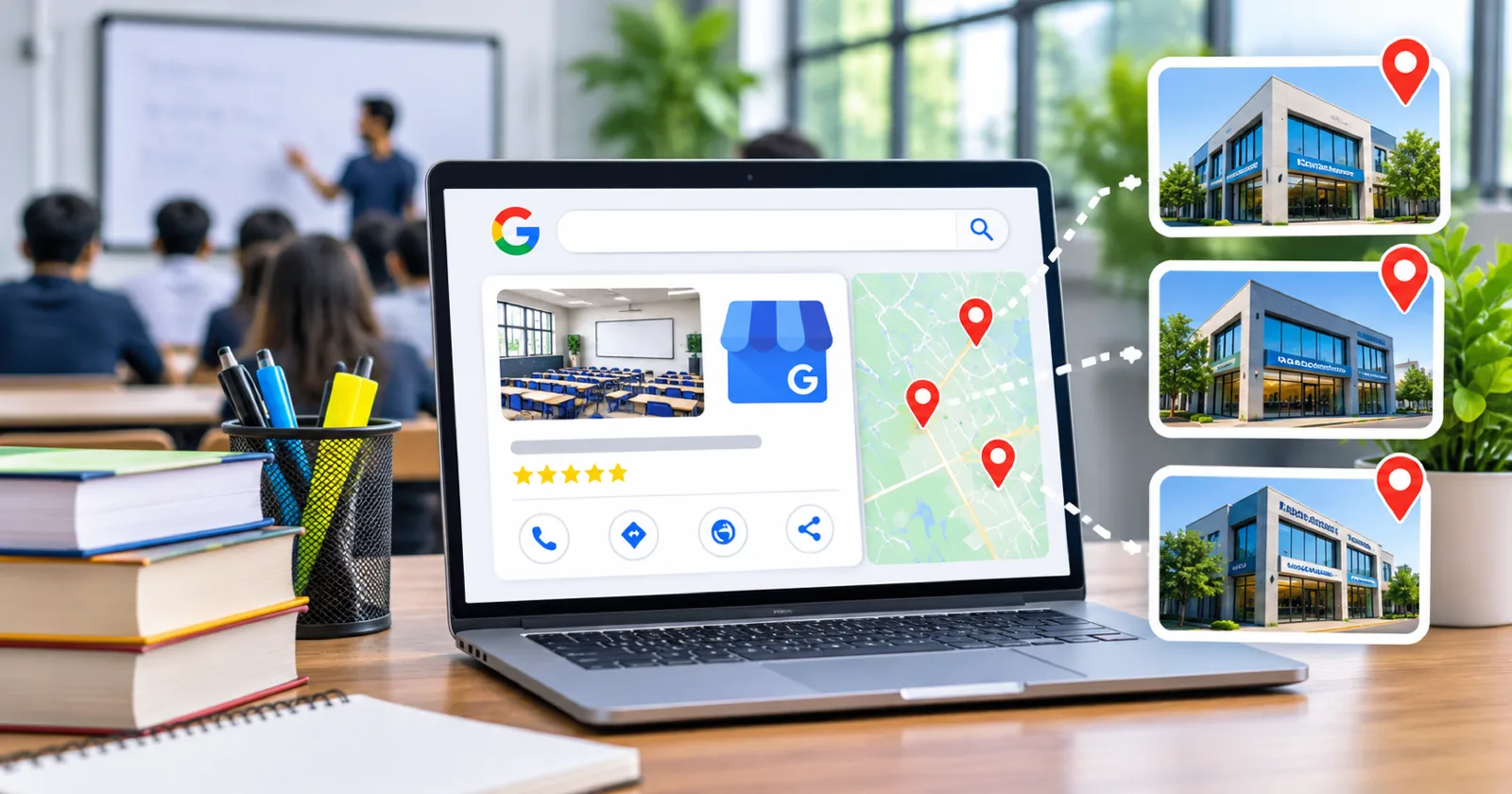
A coaching institute with several branches should have one Google Business Profile for each real centre where students attend classes, with the same brand name, its own address, phone, hours and photos, and a link to that branch's own page. Do not create profiles for courses or addresses where you do not teach.
When a coaching institute opens a second or third centre, its Google presence often becomes a mess: one profile for everything, duplicate listings, or a branch nobody can find on the map. Families search on their phones for coaching near them, so each centre needs its own clear, correct profile. Here is how we set it up.
Key numbers
84.21% of web page views in India came from mobile phones in October 2026, against 15.17% from desktops (StatCounter Global Stats).
Only 4% of consumers say they never read online reviews of local businesses, in a survey of 1,026 US adults (BrightLocal Local Consumer Review Survey 2025).

The rule: one profile per real location
Google's guidelines for representing your business say there should be only one profile per business location, and that the name must reflect your real world name without extra information. For an institute, that means:
One profile for each centre where students attend classes.
No separate profiles for each course at the same address.
No profiles at addresses where you do not teach, such as a sales office or a franchise enquiry desk.
Keep the brand consistent
| Field | Same for all branches | Different per branch |
|---|---|---|
| Name | Brand name as on the signboard | Only if the locality is on the signboard |
| Category | Main category | Extra categories only if true for that centre |
| Address and pin | Exact address of the centre | |
| Phone | The branch number | |
| Hours | That centre's counselling hours | |
| Website link | That branch's own page |
Give each branch its own page
Link each profile to a branch page with the address, map, batches running there, faculty at that centre and real photos. This helps families and keeps your website consistent with each profile. See the pages a coaching institute website needs.

Reviews belong to each branch
Parents read reviews for the centre they will actually visit. Ask families to review their own branch, and reply to every review from the branch head. Reviews matter to almost everyone: in BrightLocal's 2025 survey of 1,026 US consumers, only 4% said they never read them. Our guide on getting more Google reviews covers the routine.
Photos and posts per centre
Upload photos of that centre only: entrance, classrooms, reception.
Post that centre's batch dates and events.
Do not reuse one branch's photos for another.
Fix duplicates and old listings
Search Google Maps for your brand name and list every listing you find.
Claim the ones that are yours.
Mark closed centres as permanently closed rather than leaving them active.
Ask Google to merge or remove duplicates through the profile support options.
Measure by branch
Each profile has its own performance report: searches, calls and direction requests. Compare branches each month, and record the branch on every enquiry so you can see admissions per centre. See lead source tracking. Google says local ranking depends on relevance, distance and prominence, so each branch competes in its own area. Start every profile from our Google Business Profile checklist.
Running several centres? Ask Sprite Genix for a free local SEO and ads review of all your branch profiles.