On this page 9 sections
In short
UTM parameters are tags added to the end of a link so that analytics tools know which source, medium and campaign brought a visitor. Google says to always use utm_source, utm_medium and utm_campaign. Use lower case, fixed names and a shared sheet, and save the tags with each enquiry.
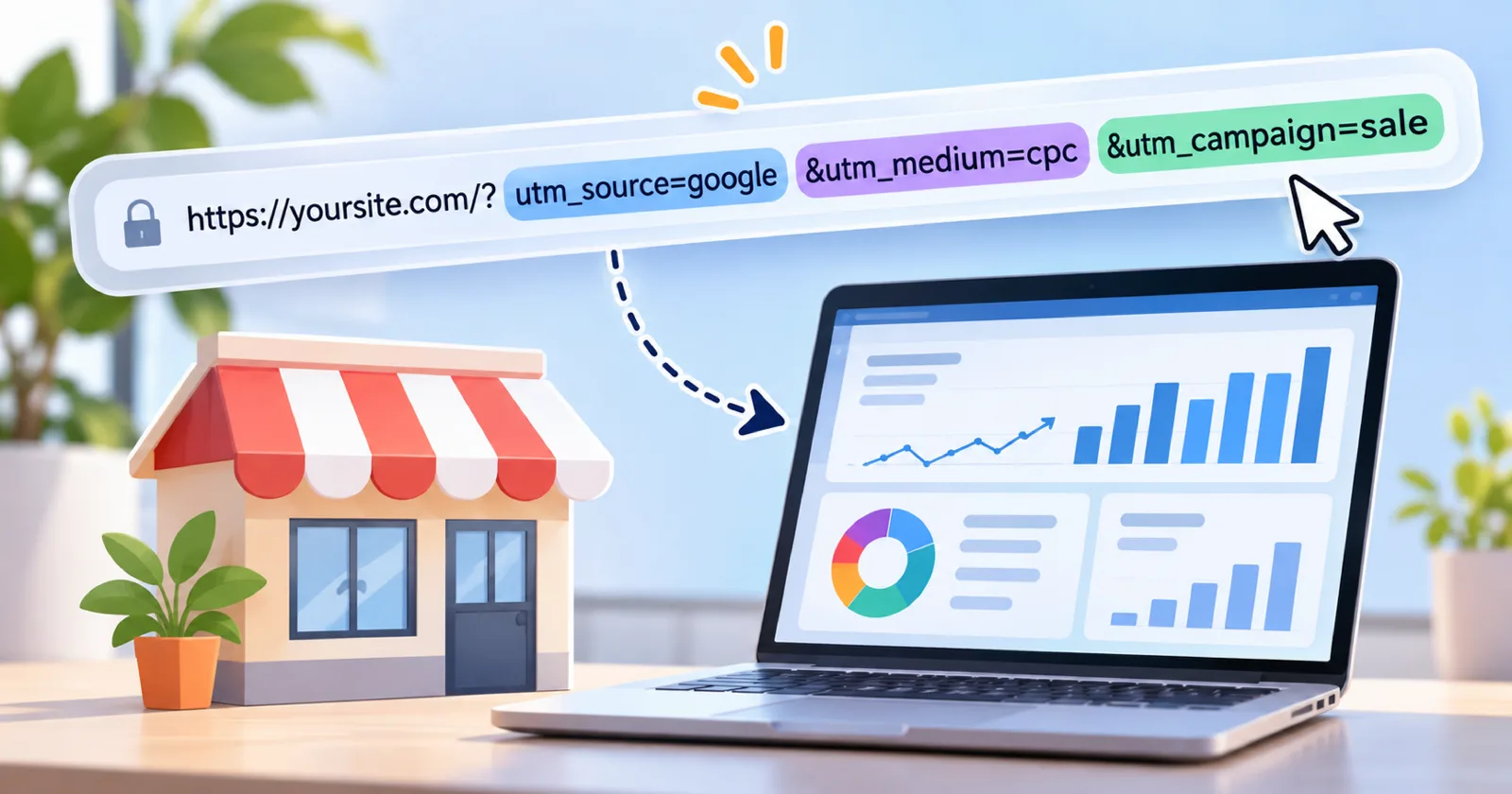
UTM parameters are short tags you add to the end of a link. When someone clicks that link, your analytics tool reads the tags and records where the visitor came from. They are the simplest way for a small business to learn which ad, post or message brings enquiries. Google's help page on collecting campaign data with custom URLs says you should always use three of them: utm_source, utm_medium and utm_campaign.
What a tagged link looks like

Here is an example with made up values:
https://example.com/neet-batch/?utm_source=instagram&utm_medium=paid_social&utm_campaign=neet_april_2027
Everything after the question mark is the tagging. The page itself is the same.
The parameters
| Parameter | What it records | Example |
|---|---|---|
| utm_source | Where the visitor came from | instagram, newsletter, justdial |
| utm_medium | The type of channel | paid_social, email, qr |
| utm_campaign | The campaign or offer | neet_april_2027 |
| utm_term | The paid keyword (optional) | neet_coaching_delhi |
| utm_content | Which creative or link (optional) | video_a, banner_b |
Google's page also lists utm_id and utm_source_platform as strongly recommended, and notes that missing values show as "(not set)" in reports.
A naming rule that prevents mess
Analytics treats "Instagram", "instagram" and "insta" as three different sources. Agree on rules once:
Use lower case only.
Use underscores, not spaces.
Keep a fixed list of sources and mediums.
Put the course or product, then the month and year, in the campaign name.
Record every link in a shared sheet.
A starter list
| Channel | utm_source | utm_medium |
|---|---|---|
| Instagram ad | paid_social | |
| Facebook ad | paid_social | |
| WhatsApp broadcast | message | |
| Email newsletter | newsletter | |
| Pamphlet QR code | pamphlet | qr |
| Google Business Profile link | organic_gbp |
These names are our suggestion, not a standard. What matters is that your team uses the same ones every time.

Where to use UTM tags, and where not to
Use them on links in ads, emails, WhatsApp messages, social posts, QR codes and listings.
Do not use them on links from one page of your website to another. That would replace the visitor's real source with your own site.
Connect the tags to enquiries
Seeing visits by source is useful. Seeing enquiries by source is what changes decisions. Two steps make that possible:
Mark the enquiry as a key event. Google Analytics describes a key event as an event that measures an action that is particularly important to the success of your business. When your form submission is a key event, reports show which sources produce enquiries.
Save the tags with the enquiry. Ask your developer or form tool to store utm_source, utm_medium and utm_campaign in hidden fields. Then your CRM or sheet shows the source next to each name.
Our guide on how to track an admission enquiry from first contact to enrolment shows how to carry that source through to the sale.
A worked example
This example uses made up numbers. A tuition centre runs three things in April: an Instagram ad, a WhatsApp broadcast and a pamphlet with a QR code. Each link has its own tags. At the end of the month the report shows 40 enquiries from Instagram, 25 from WhatsApp and 10 from the pamphlet. The centre then checks admissions and finds that WhatsApp brought the most enrolments. Without tags, all 75 enquiries would have looked the same.
Common mistakes
Different spellings for the same source.
Tagging internal links.
Putting personal data, such as a phone number, in a tag.
Creating links by hand without recording them.
Looking only at visits and not at enquiries.
Checklist
Fixed list of sources and mediums agreed.
Shared sheet of all tagged links.
Three required tags on every campaign link.
Form saves the tags with each enquiry.
Enquiry marked as a key event.
Monthly review of enquiries and sales by source.
To plan the campaigns you will be tagging, read how to plan an admission marketing campaign for a coaching institute. Our performance marketing team can set up tagging and reports for you.
Want the source saved on every lead without extra work? Start a free Genix One trial and track each enquiry from first click to sale.